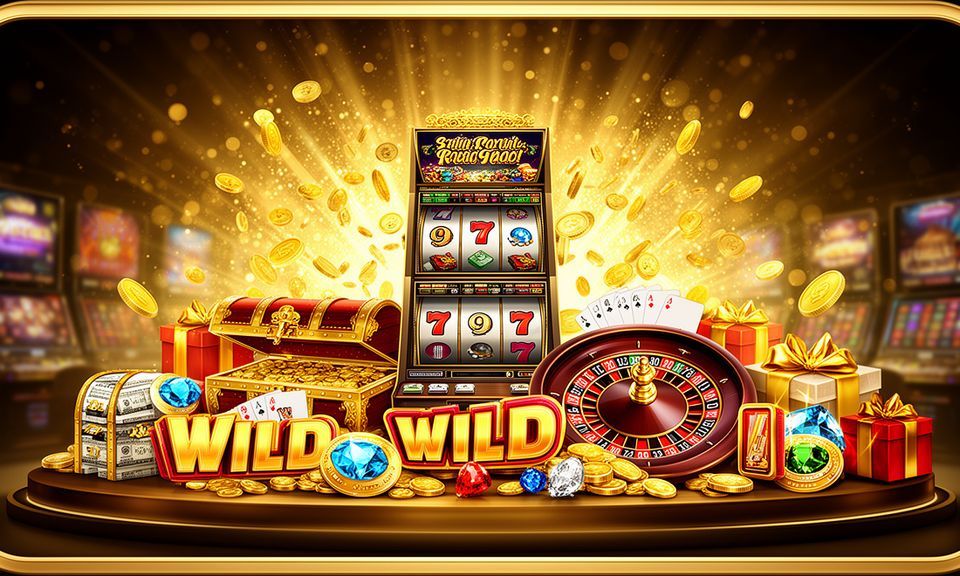
zoya99 – Bangladesh Online Casino, Slots and Cricket Betting
Live casino tables from Evolution, slots from Pragmatic Play and PG Soft, and a cricket sportsbook covering IPL and BPL markets — all sitting inside one lobby, accessible the moment your bKash, Nagad or Rocket deposit confirms.
Access may be available only where local law permits.
zoya99 · Bangladesh
Service availability depends on eligible regions and local law. Users should check local rules before opening an account.

Everything inside zoya99 in one place
Switch between live dealer rooms, slot reels, crash titles and the sportsbook without leaving the page — the full lobby is one tap away.
Payment methods at zoya99
Deposits and withdrawals run through the mobile wallet rails Bangladesh players already use every day. Send funds from your bKash, Nagad or Rocket app to the account number shown on the deposit page, enter your app PIN, and the balance lands in your zoya99 wallet. Withdrawals follow the same path in reverse — submit a request to your registered wallet number, complete the on-screen verification step, and the funds move back to your mobile wallet. Upay and bank transfer are also listed as options on the payment screen for eligible accounts.
bKash
Nagad
Rocket
Upay
Bank Transfer
Explore slots, live tables and more
The zoya99 games lobby is split into clear categories so you can find what you're after without scrolling through everything at once. Slots from studios like Pragmatic Play and PG Soft sit alongside live casino rooms — including live baccarat, roulette and Dealer 24x7 Live — while crash games and table titles like Blackjack Topplay round out the casino side. RTP figures are shown directly on individual game pages where the provider exposes that data; we do not display figures the studio hasn't published.
FAQ Mobile Bangladesh

FAQ Games Bangladesh

New Member Offer Bangladesh

Blackjack Topplay

Dealer 24x7 Live
Bet On Crash
Secure Access Bangladesh
Five steps to your first game
Register
Fill in your account details on the registration page — takes about a minute on mobile.
Deposit
Open your bKash, Nagad or Rocket app, send to the number shown in your account wallet, confirm with your PIN.
Choose a game
Browse the lobby by category — Slots, Live Casino, Table Games or Sportsbook — and open the title that catches your eye.
Play
Your deposited balance is live the moment the transaction confirms, so you can start your session straight away.
Withdraw
Submit a withdrawal request to your registered bKash, Nagad or Rocket number and complete the wallet verification step shown on screen.
Play on phone, tablet or desktop
The zoya99 lobby loads in your mobile browser without a separate download, so you can open live tables or slot rooms whether you're on an Android phone, an iOS device or a desktop browser.


Reach the zoya99 support team
Whether it's a deposit that hasn't reflected, a question about a game result or an account verification step, the support team handles it through three routes. Pick whichever suits where you are and what you need.
Live chat
The chat button sits in the corner of every lobby page. Type your question and a support agent picks it up directly — no call queues, no hold music, just a text exchange.
Email support
For account changes, document requests or anything that needs a written record, email the support address shown on the contact page. Responses come from the same team managing the platform.
Mobile wallet help
If a bKash, Nagad or Rocket transfer hasn't landed in your account wallet, send the transaction reference via chat or email and the team will trace it against the payment records.
Current offers at zoya99
Open your account and get moving
Getting into the lobby takes a few straightforward steps. Create your account on the registration page, then fund your wallet using bKash, Nagad or Rocket — the account number to send to is shown right there on the deposit screen. Once your balance is live, the full lobby opens up: live tables, slot rooms, crash games and the cricket sportsbook are all available from the same navigation bar. If anything is unclear, the live chat button sits in the bottom corner of every page.
Member offers for new accounts
Your first bKash, Nagad or Rocket deposit may qualify for a welcome match — check the offer board after your account is open. Terms apply.
Open Your Account New accounts placing their first cricket or football bet may be eligible for a stake on qualifying markets. Terms apply
Open Your AccountSwitch to mobile without losing your place
The zoya99 lobby is built to run in your phone browser — no app download required on either Android or iOS. Open a live baccarat table, scroll through the slot lobby or check your cricket bet, then switch back to desktop and everything is exactly where you left it. Players in Dhaka and elsewhere around Bangladesh find the mobile experience just as complete as the desktop version — the same categories, the same wallet options, the same live chat button. Tap the menu icon to jump between Slots, Live Casino and the Sportsbook without reloading the page.

See how your account and data are protected
Four distinct layers protect your account from the moment you log in to the moment a withdrawal completes. These aren't abstract promises — each one corresponds to a concrete step in the account flow that you can verify yourself.
Platform at a glance
- Game providers
- Pragmatic Play, Evolution, PG Soft, Playtech
- Game categories
- Live Casino, Slots, Sportsbook
- Accepted currency
- BDT
- Payment methods
- bKash, Nagad, Rocket, Upay, Bank Transfer
- Mobile access
- Phone, tablet and desktop browser
- Customer support
- Live chat and email
Frequently asked questions about zoya99
Answers to the questions we hear most from Bangladesh players — covering deposits, withdrawals, game access, account setup and more.
Switch between casino, slots and sportsbook
The main navigation bar at the top of every page divides the lobby into its core categories: Live Casino, Slots, Table Games, Crash Games and Sportsbook. Tap any category and the lobby filters to show only those titles — no back button needed. Inside the Slots category, a studio filter lets you narrow down by provider, so if you want Pragmatic Play titles like Gates of Olympus or PG Soft titles like Mahjong Ways, you're two taps away. The Live Casino section shows which tables are currently dealing — look for the green dot on a room to know it's live right now.
Use the search bar at the top of the lobby. Type the game name — Aviator, Blackjack Topplay, Dragon Tiger — and it opens directly without browsing through categories.
Live tables like Dealer 24x7 Live are dealt by a real person on camera — best on a stable connection. Slots and crash games like Bet On Crash run fine on a mobile data connection anywhere.
The Sportsbook tab shows open markets by sport. Cricket is the lead category, with IPL and BPL matches listed as they go live. Tap a match to see available markets, then place from your account balance.
Your account icon opens a panel with your wallet balance, deposit and withdrawal buttons, and a full transaction history. Withdrawal requests submitted here route back to your registered bKash, Nagad or Rocket number.